Gain staging is the least glamorous part of mixing and one of the few things every experienced engineer agrees on. Before any EQ, any compression, any fader move, each track should sit at a sensible level. Get that right and the rest of the mix gets easier. Skip it and you spend the session fighting problems you created in the first ten minutes.
What gain staging actually is
A mix is a chain of stages: the recording, the clip, the inserts, the fader, the bus, the master. Gain staging means making sure the signal arrives at each stage at the level that stage was designed for. In a digital mixer that mostly comes down to one job: set the level of every raw track before the processing starts.
Why −18 dBFS
Analog consoles and tape machines were designed around a nominal operating level, the point where the meter reads 0 VU and the circuitry sounds the way its designers intended. When the industry moved to digital, that nominal level was mapped to roughly −18 dBFS. So a track sitting around −18 dBFS in your DAW is sitting where a well-driven analog channel would have been.
That matters because most of the plugins you reach for are modelled on that hardware. Their thresholds, their saturation, the way they bite or soften, all assume a signal around that level. Feed them a track that is 12 dB hotter and the compressor is already working before you touch the threshold and the “warm” saturation turns into fuzz. Start around −18 and the plugins behave the way their presets expect.
There are two more benefits. Faders land in the middle of their travel, where they are precise, instead of hovering near the bottom. And the mix bus is not already hot before you have mixed anything, which leaves headroom for mastering.
Peak or average? Setting each track so its peaks land around −18 dBFS is the simplest version and a perfectly good one. Some engineers prefer to set the average level instead, using RMS or LUFS, so that a dense bass and a spiky snare end up feeling similar rather than peaking the same. Both are valid. Pick one and be consistent.
Doing it by hand
Open every track, pull up a meter, adjust the clip gain or a trim plugin, play the loudest section, adjust again. On a 60-track session that is a solid half hour of housekeeping before the creative work starts, and it is the kind of job that quietly gets skipped on a deadline.
Doing it in one pass
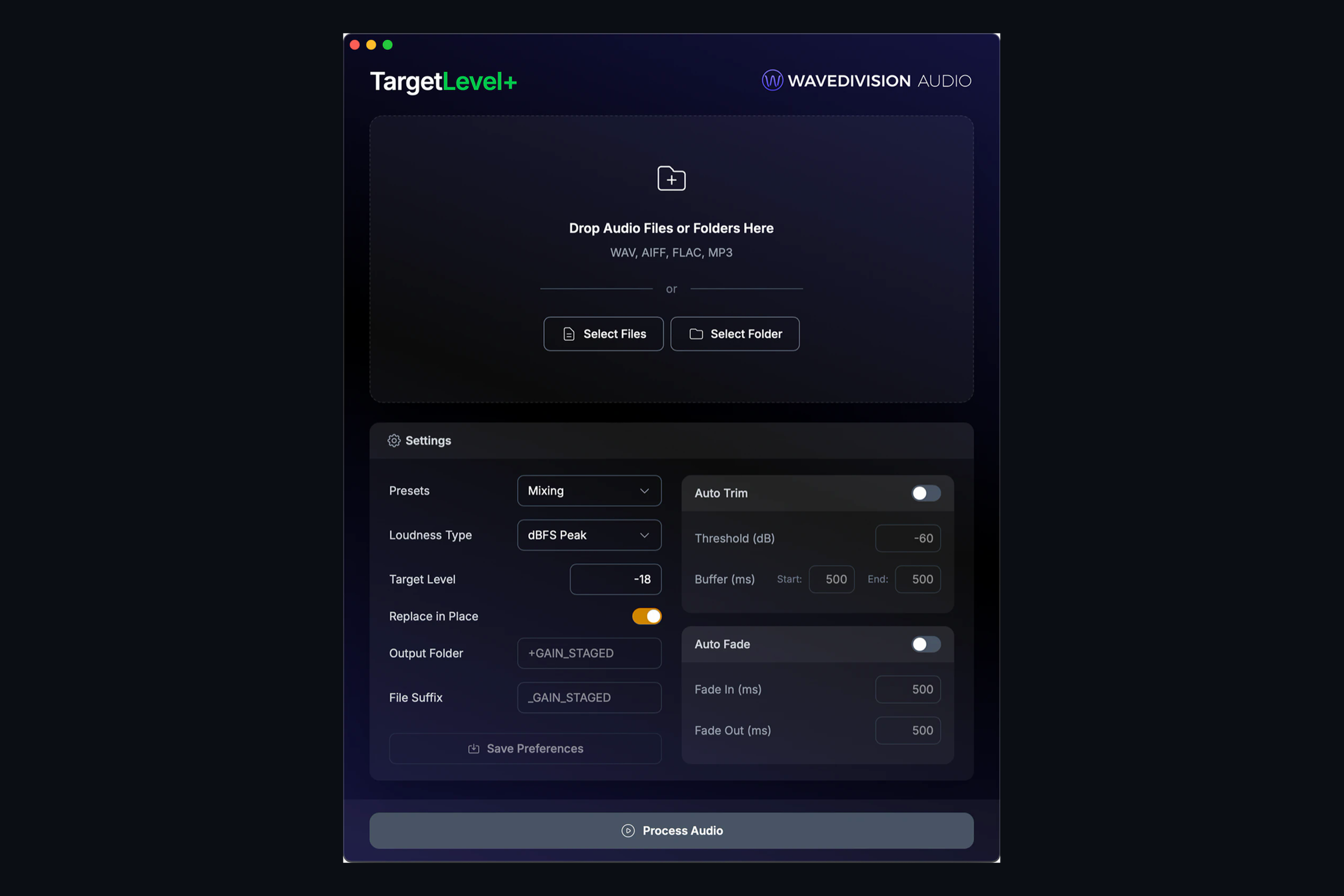
TargetLevel+ does the whole session at once. Drop in your session’s audio folder, or just the files, choose the Music Mixer preset (which is exactly that −18 dBFS peak starting point) and press process. It measures every file and applies one clean gain change per file, nothing more. No compression, no limiting, no change to the sound. Files that would clip are stopped just under full scale and flagged.
If your DAW is Pro Tools, Logic, Ableton Live, REAPER, FL Studio, Studio One, Cubase, Nuendo, Bitwig, Ardour or GarageBand, you can drop the session file itself and TargetLevel+ will find the audio in the DAW’s standard audio folders and replace it in place, with every original moved to a backup folder first. Open the session and every track is already at level. One tip for that workflow: leave Auto Trim off, because trimming silence from a file that sits mid-timeline will move it.
Gain staging is a habit, and the easiest habits are the ones that take no time. This one now takes about as long as a coffee.