It is one of the most-asked questions in audio, and the short answer surprises people: not as loud as you think, and loudness is not really the point.
Loudness is the mastering engineer’s job
Mastering is where the final level gets set, with the right tools, the right monitoring and the whole release in view. If a mix arrives already pushed into a limiter, the mastering engineer has lost most of their options before they start. The limiter has already decided how the transients behave and how loud the song can get. A mix that arrives with room to move gives them everything to work with.
What a mastering engineer actually wants
- Headroom. Peaks a few dB below full scale. Anywhere from −6 to −3 dBFS is the usual ask, and more is fine. What matters is that nothing is clipping and nothing is kissing the ceiling.
- No limiter or clipper on the mix bus. If you love how it sounds with one, send that version too, but send the clean one as well.
- Consistency across the release. If one mix is 6 dB quieter than the next, the first thing the mastering engineer does is spend time evening them out. That is time they would rather spend on your songs.
- The native format. 24-bit at the sample rate you mixed at. No dithering, no sample-rate conversion, no fades you cannot undo.
So what is the number?
If you want one, here it is: peaks around −6 dBFS, with the song’s average level landing wherever good gain staging puts it. Mixes that respect those two things usually measure somewhere in the high teens to low twenties in LUFS, but that is a result, not a target. Reaching for a plugin to hit a loudness number before mastering is exactly the thing mastering engineers ask you not to do.
Getting a whole album there in one pass
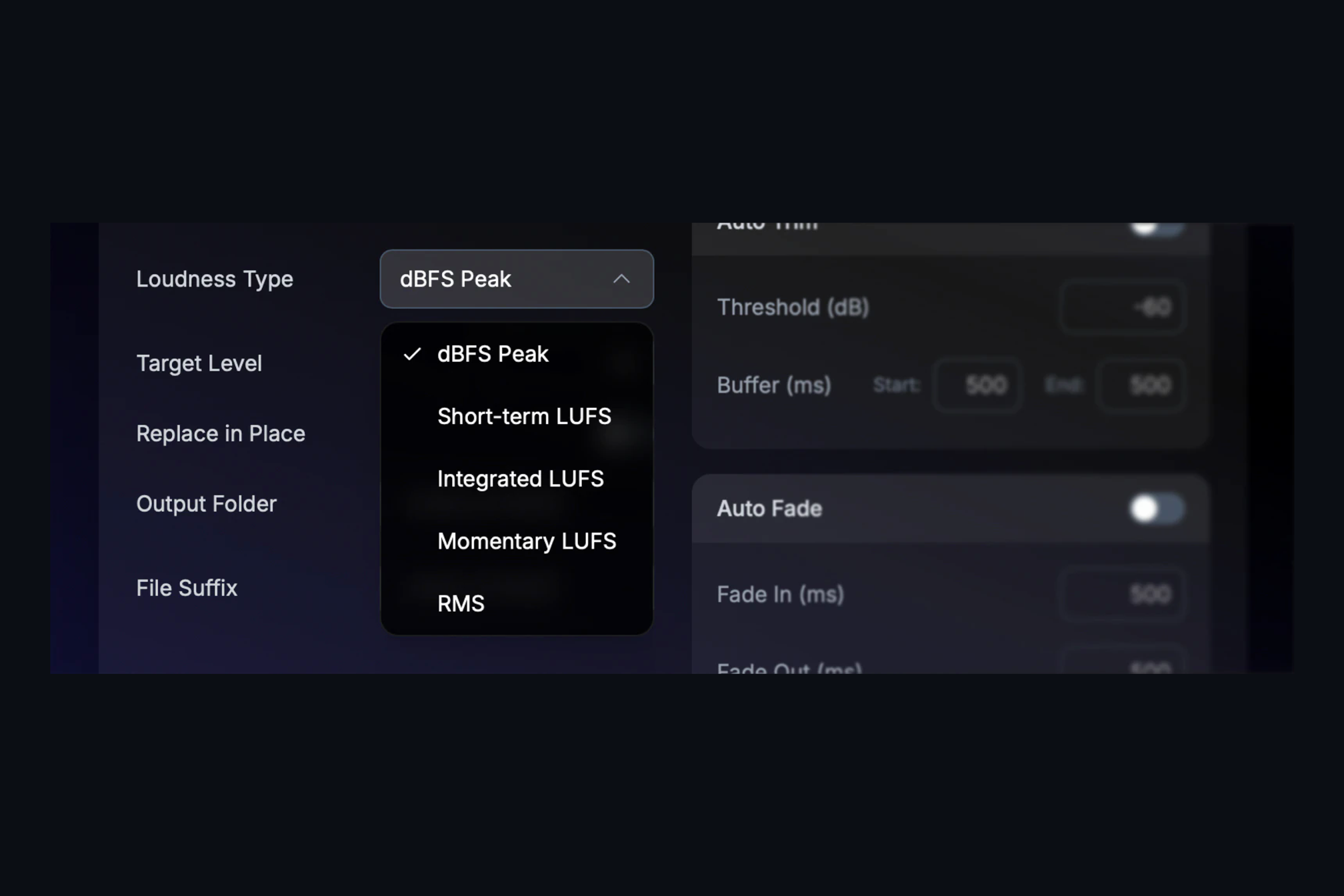
Levelling ten mixes by hand is tedious, and tedious work gets skipped. TargetLevel+ does it in one pass. Drop the folder of mixes in, choose how you want level measured (peak, loudness or RMS) and set your target, and it measures each file and applies a single clean gain change to the whole thing. No compression, no limiting, nothing that changes the sound. If a file cannot reach the target without clipping, TargetLevel+ stops just shy of full scale and flags that file as peak-limited so you know to look at it.
Processed files land as 24-bit copies in a folder next to your originals, at the original sample rate, with your originals untouched. WAV, AIFF and FLAC all work. One honest note: each file is measured on its own, so this is for finished mixes and album sequences, not for stems that have to keep their balance with each other. Process the mix, not the parts.
If you also want to know what happens to that master after it leaves mastering, our streaming platform loudness targets table is the companion to this post.