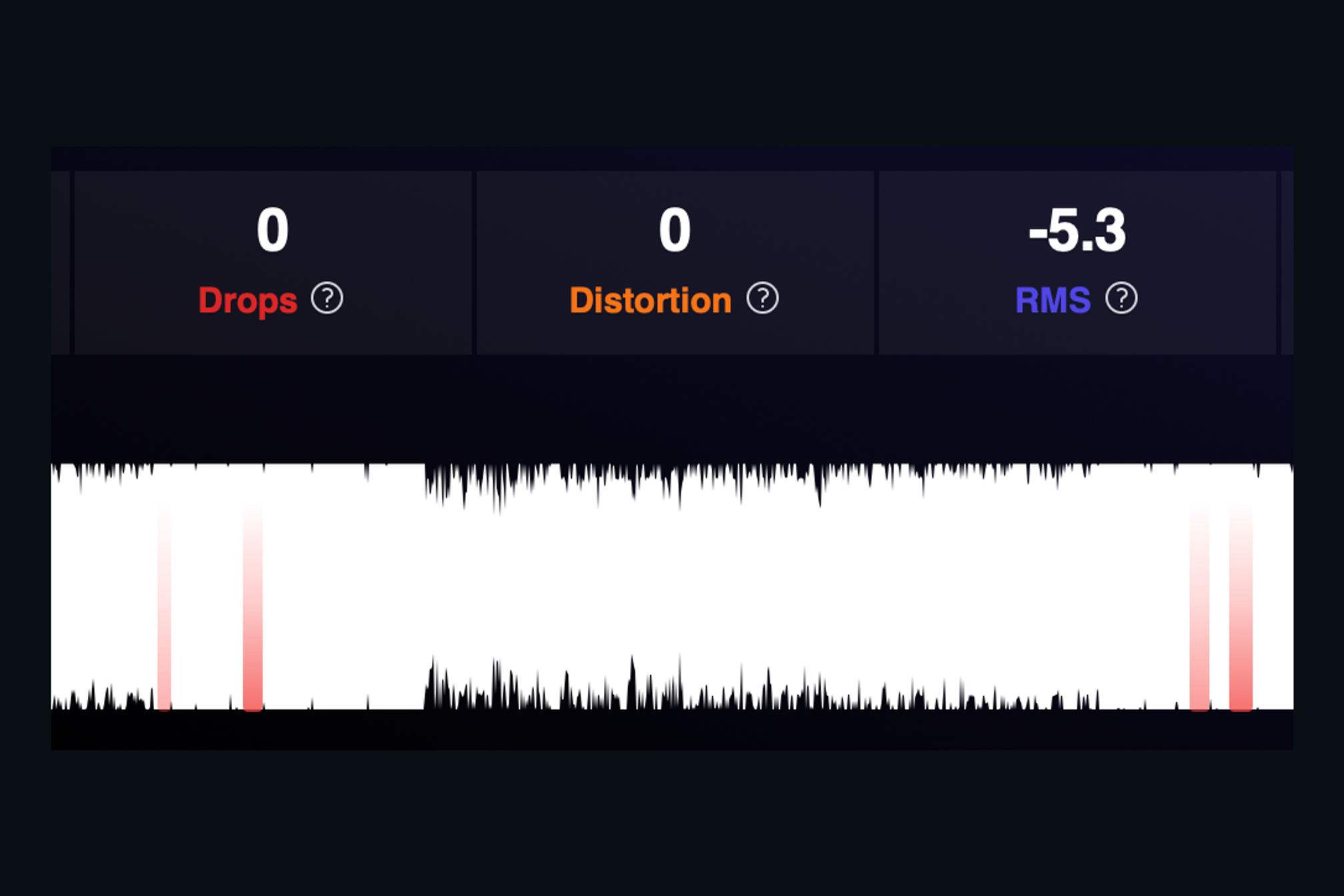
Most clipping you meet in mastering did not happen at full scale. It happened somewhere upstream, in a plugin or a bounce, and then the file was turned down a few decibels on its way to you. The peak meter reads a comfortable level. The waveform still has flat tops. On a good monitor it sounds like a slightly hard, grainy edge on the loudest hits, and the client will hear it on the first chorus.
AMIE's distortion detector looks for those flat tops relative to the file's own peak, not relative to full scale, so it finds clipping wherever the level ended up. Each event is counted in the Distortion tile and marked on the waveform.
Restoring the peak
When distortion is flagged, the song gets a Repair Distortion button. The repair looks at the music on either side of each flattened run and rebuilds the shape of the peak that was cut off, pushing it back above the flat line instead of smoothing it over. The restored peak is then kept under a ceiling you choose, so the file does not simply clip again in the next stage. As with every repair in AMIE, you audition the original, the fixed version and the removed difference before you accept it.
One honest limitation
To restore a peak, there has to be room above it. A file that is clipped right at full scale has nowhere to put the rebuilt waveform, and AMIE will tell you to lower the level first rather than pretend. For the much more common case, clipping that sits a few decibels down, the repair works quietly and the hard edge goes away.
Keep reading
This post is part of a series that walks through everything AMIE does. See the whole list on the AMIE product page, or see plans and pricing.
- Next in the series: Audition before you commit, revert at any time
- Previous: One-click De-click, re-verified after the repair