An ISRC is the twelve-character code that identifies a recording for royalties, charts and distribution. It usually travels in a spreadsheet, which is exactly where it gets lost. The safest place for it is inside the audio file, so that wherever the master goes, its identity goes with it.
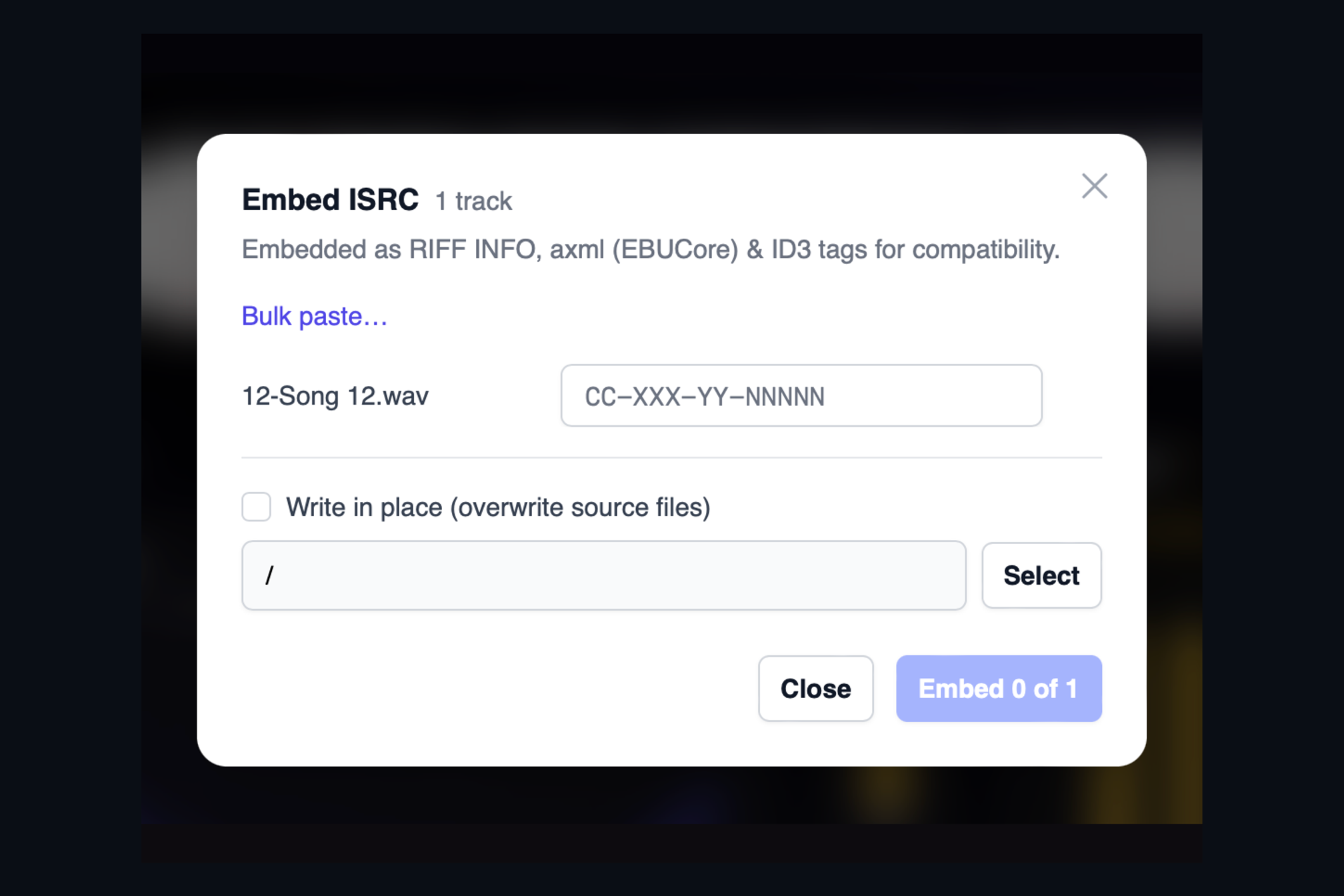
AMIE's Embed ISRC dialog does this for one track or a whole album. Type a code per track, or use Bulk paste to drop in a column of codes copied from your label's sheet and let AMIE match them to the files in order. Each code is checked against the standard format before anything is written, so a mistyped country code or a missing digit is caught here, not at the distributor.
Written three ways, on purpose
Different systems look for the ISRC in different places. AMIE writes it into all of them at once:
- the standard WAV information chunk, which most audio tools read,
- an EBUCore metadata block that follows the broadcast industry's specification for carrying identifiers in a WAV file,
- and an ID3 tag, for the many players and pipelines that expect the same tag they would find in an MP3.
A WAV embedded by AMIE will show its ISRC in a DAW, in a broadcast playout system and in a consumer player alike.
Your originals stay yours
By default the embedded files are written to an output folder you choose, leaving the sources untouched. If you prefer, tick Write in place and AMIE updates the files where they are. From the Album Overview you can also copy the codes for a whole release, or export them as a CSV for the paperwork that still, for now, needs a spreadsheet.
Keep reading
This post is part of a series that walks through everything AMIE does. See the whole list on the AMIE product page, or see plans and pricing.
- Next in the series: Injector: how loud your master will really play on each platform
- Previous: Sample-rate conversion that adds nothing to your audio