You know gain staging matters. You also know it is the first thing to get skipped when the clock is running. TargetLevel+ exists so that it never gets skipped again, because it takes seconds instead of half an hour.
What it does
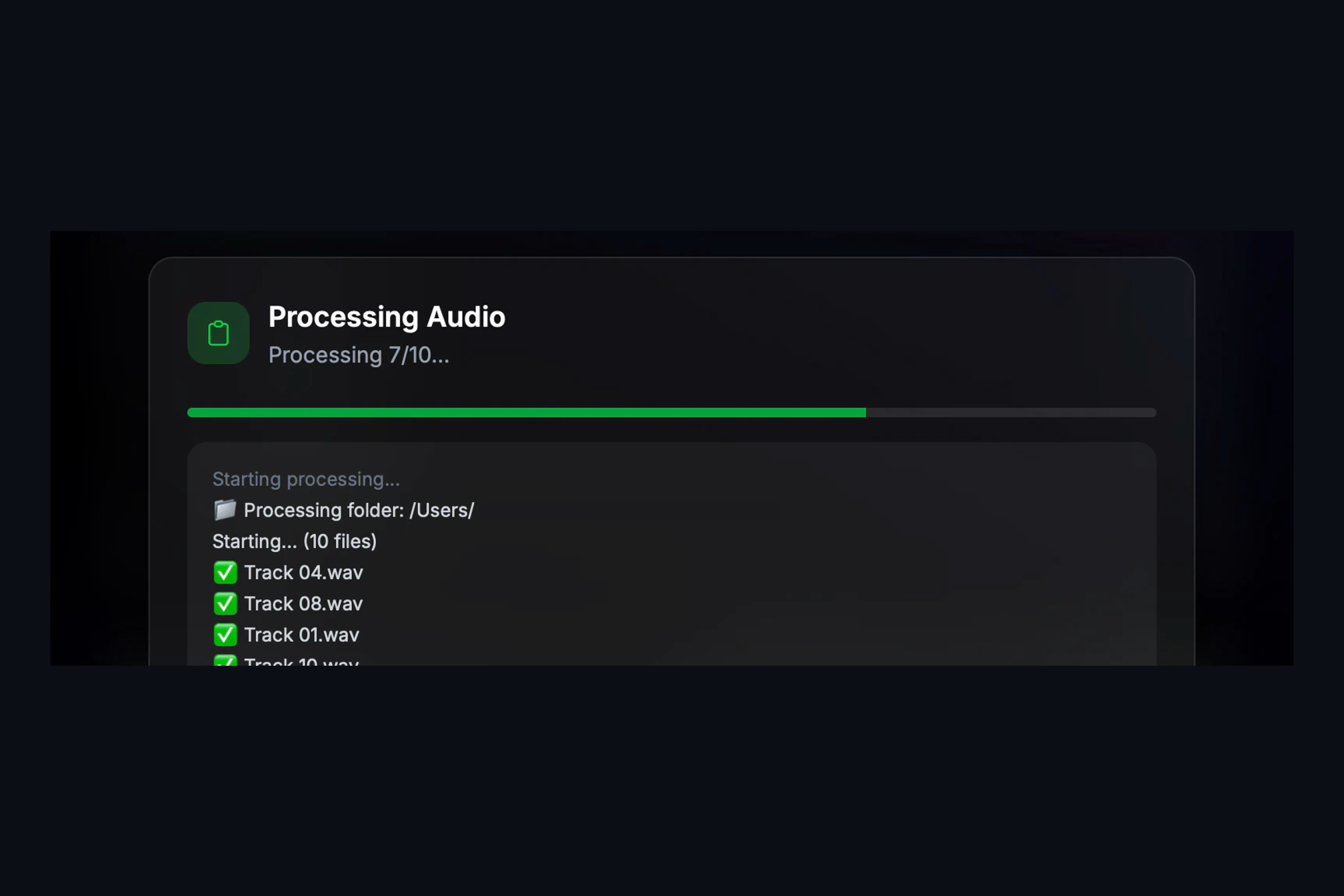
Drop in a folder of audio files, or a whole DAW session, pick a preset and press process. TargetLevel+ measures each file the way you choose (sample peak, loudness or RMS), applies one clean gain change to bring it to your target, and writes the result. No compression, no limiting, nothing that alters the sound of the file. Optionally it trims the silence from the start and end and adds fades, with the lengths you set.
Eight presets, or your own target
Music Mixer and Music Producer set every track to the classic −18 dBFS starting point. Mastering Engineer levels a folder of incoming mixes so they sit consistently before mastering. Podcast Editor, Audiobook Editor, Broadcast, Post Production and Content Creator each set the measurement and target their deliverable expects, and turn on trim and fades where that workflow wants them. Prefer your own numbers? Choose Custom and dial in any target.
Built for a working session
- Session import. Drop a session file or bundle from Pro Tools, Logic, Ableton Live, REAPER, FL Studio, Studio One, Cubase, Nuendo, Bitwig, Ardour or GarageBand. TargetLevel+ finds the audio in the DAW’s standard audio folders and replaces it in place, after moving every original to a backup folder. Open the session and every track is at level.
- Folders stay organized. Drop a folder and the subfolder structure is preserved in the output.
- Nothing clips. If a file cannot reach the target without clipping, it is stopped just under full scale and flagged as peak-limited at the end of the run, so you can decide what to do with it.
- Formats. WAV, AIFF and FLAC in; 24-bit files out, at the original sample rate.
What it is not
TargetLevel+ is not a mastering tool and does not try to be. It does not limit, it does not police true peak, and it measures each file on its own, so it is for tracks and finished mixes rather than for stems that must keep their balance with one another. It does one job, and it does it the same way every time.
Try it
TargetLevel+ runs on Apple Silicon Macs (macOS 12 and later) and on Windows 10 and 11 (x64). Plans and pricing are on the product page, and if you want to know whether it fits your workflow, ask us.