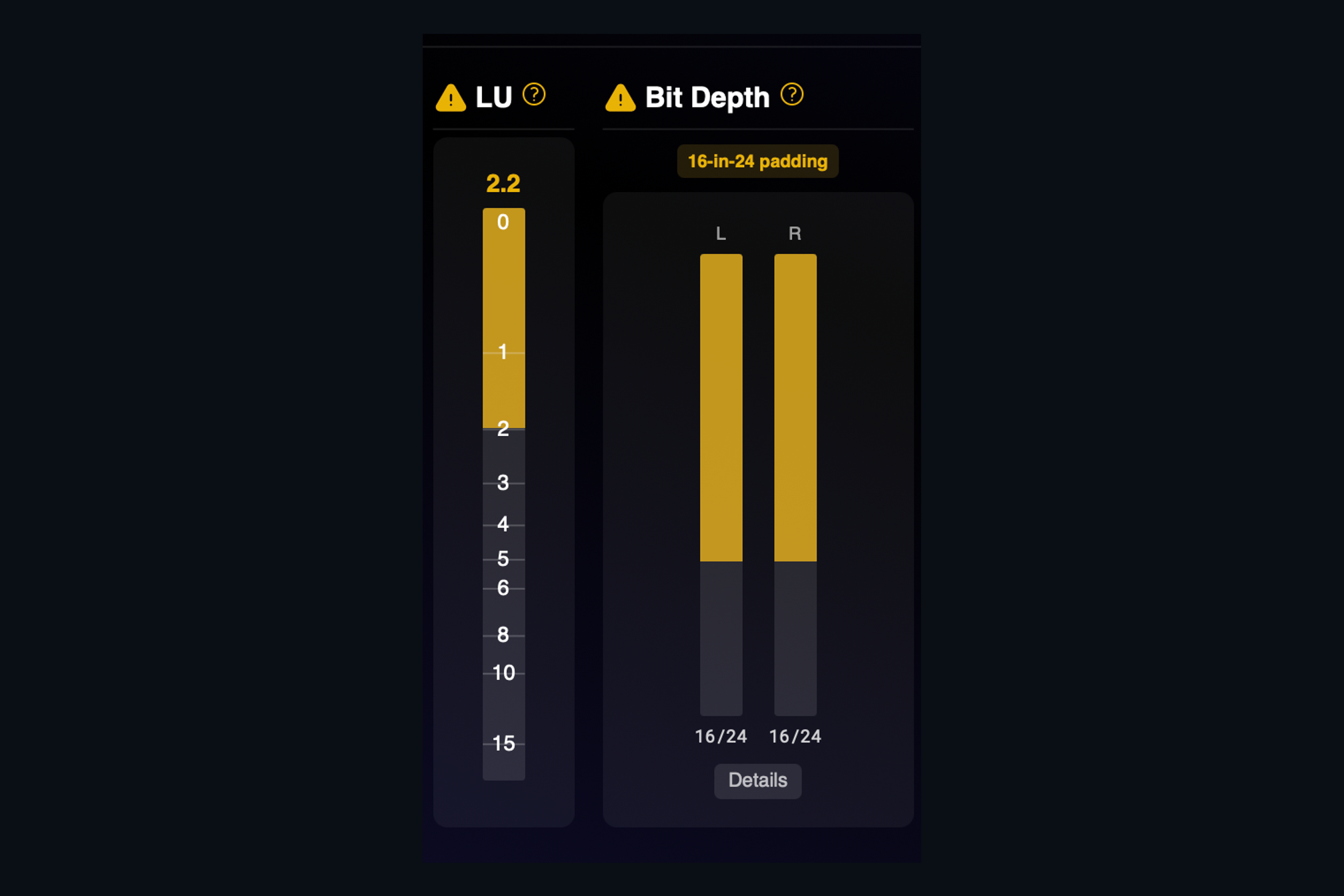
A WAV file has a label on the outside that says how many bits each sample uses. Nothing stops a 16-bit recording from being saved into a 24-bit container, and when that happens the label is technically true and practically misleading. The file is bigger, the client thinks they are getting high resolution, and the bottom eight bits of every sample are empty.
AMIE reads the samples, not the label. For each channel it looks at which bits actually carry signal and reports the real depth. When a file turns out to be 16-bit content sitting in a 24-bit container, the Bit Depth panel shows a 16-in-24 padding badge, the meters read 16 of 24, and the verdict says so in plain words: 16-bit content padded to 24-bit, not true 24-bit, no dither detected.
Why it matters
- You can tell a client the truth about what they sent you before you start work.
- You will not dither a file that was already truncated and make it worse.
- You can deliver the right format with confidence, instead of trusting a header someone else wrote.
The same panel catches a few related problems: audio that was truncated to a lower depth without dither, a DC offset riding on the signal, and fixed-point audio hiding in a floating-point container. If the depth changes partway through a file, which happens with spliced edits, AMIE tells you where. Open the Details drawer and the Bit Monitor shows the per-bit activity for every channel, so you can see for yourself.
Keep reading
This post is part of a series that walks through everything AMIE does. See the whole list on the AMIE product page, or see plans and pricing.
- Next in the series: Batch analysis: a whole album in one pass
- Previous: Tonal tilt and stereo imaging