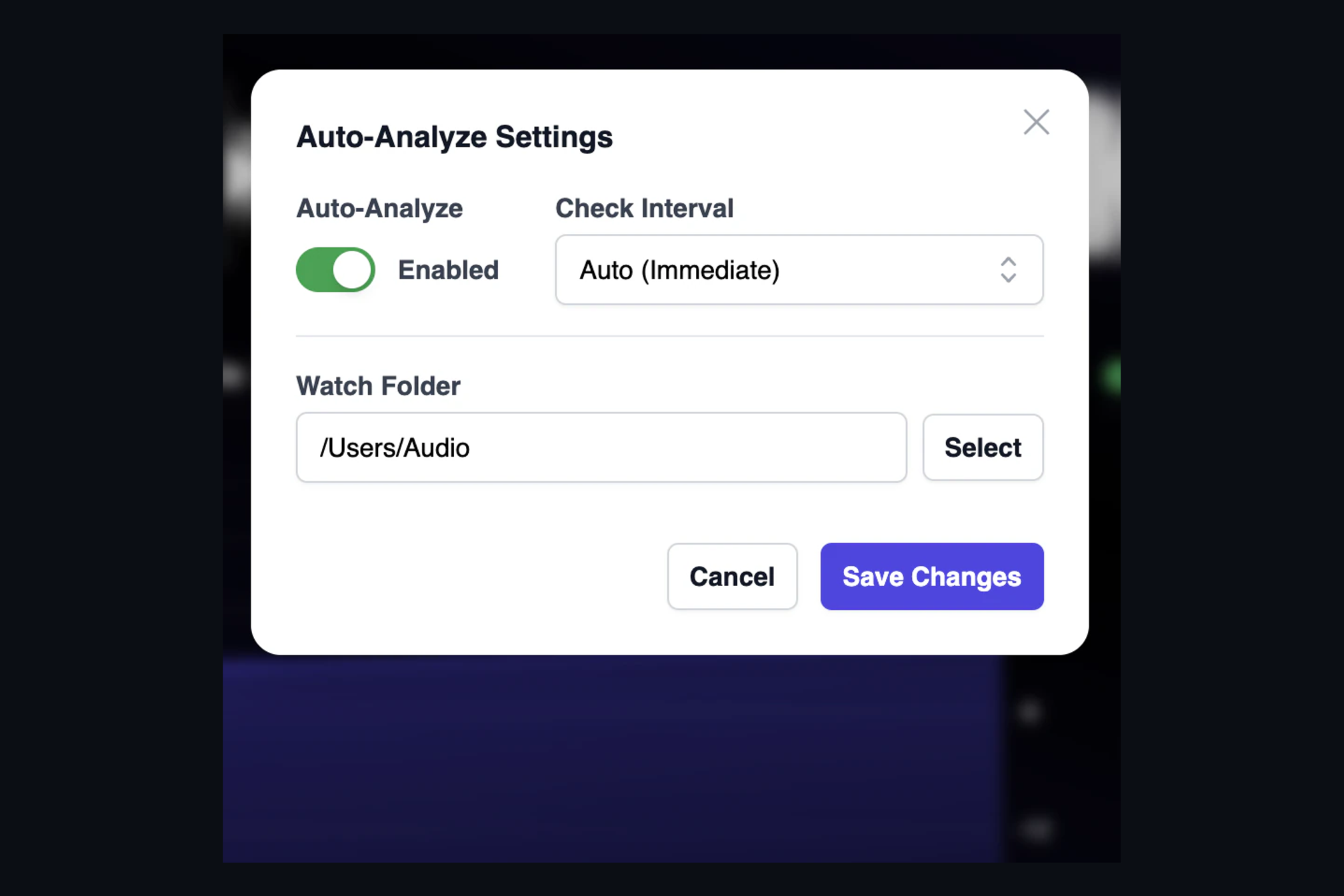
The best quality check is the one you do not have to remember to run. AMIE's watch folder makes analysis part of your bounce, not a separate step you do later if there is time.
Open Settings, switch on Auto-Analyze and choose a folder. From then on, every WAV or FLAC that lands in that folder is picked up and analyzed. AMIE waits until the file has finished writing before it starts, so a long bounce from your DAW is never read half-way through. The check interval can be immediate, or anything from every ten seconds to once an hour if you prefer a quieter machine.
What happens when a file arrives
- The song appears in AMIE's list and is analyzed in the background while you keep working.
- When the analysis finishes, AMIE sends a system notification so you know the result is ready.
- The badge next to the song tells you at a glance whether it passed or needs a second look.
- A small report file is written next to the audio, in a JSON subfolder, listing anything that was found. That makes it easy to hand the result to a client or a script.
A typical setup is to bounce masters into the watched folder and treat the green check as the signal that a file is ready to send. If a track comes back with a warning, you find out while the session is still open, which is the cheapest possible time to fix it.
Keep reading
This post is part of a series that walks through everything AMIE does. See the whole list on the AMIE product page, or see plans and pricing.
- Next in the series: Album overview: every track of a release, side by side
- Previous: Batch analysis: a whole album in one pass