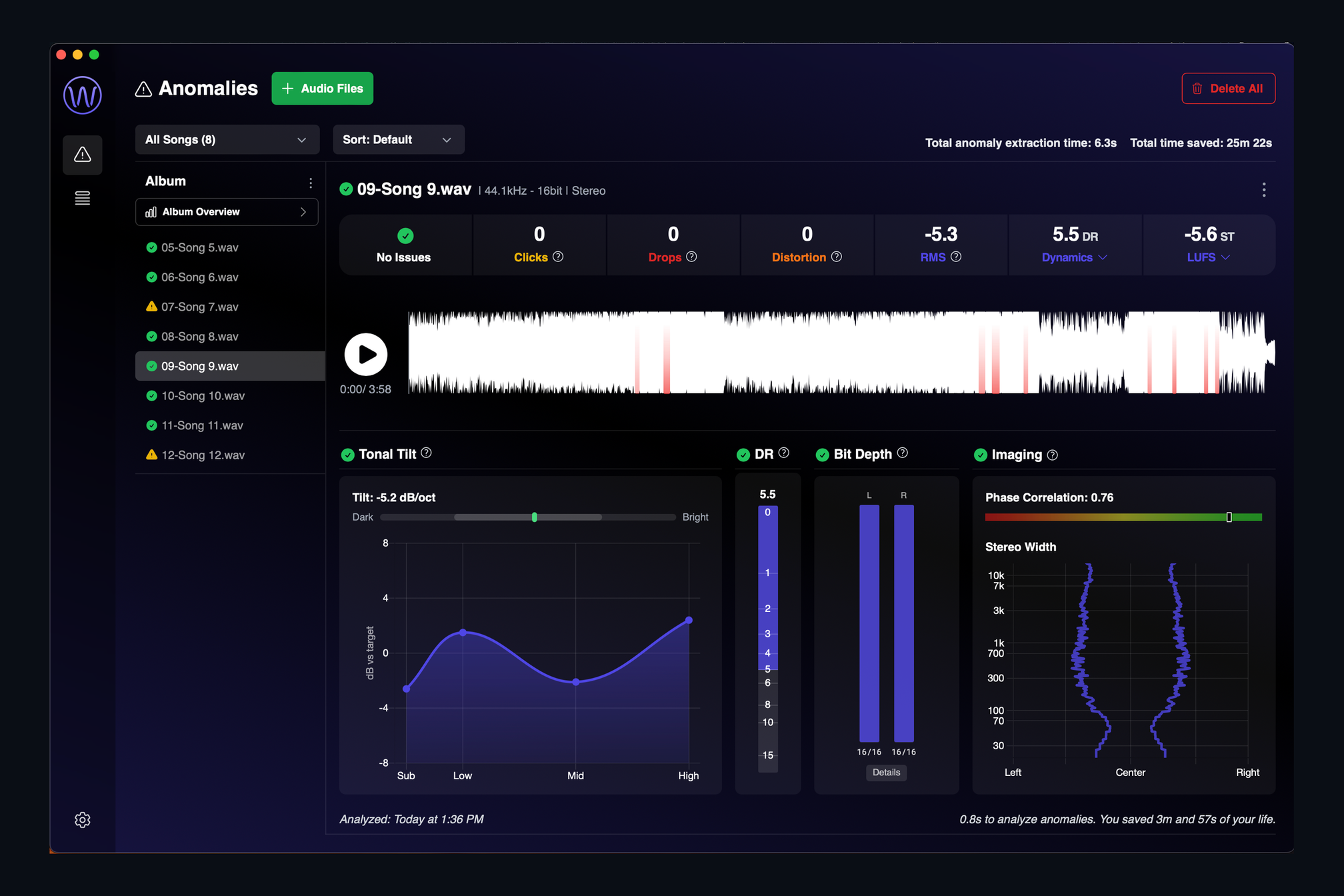
Every engineer has a story about the click that made it onto the record. Quality control by ear is slow, it depends on how fresh your ears are, and the problems that matter most are the ones you have stopped hearing by the fortieth listen. AMIE was built to be the second pair of ears that never gets tired.
Analyze
Drop a song, an album or a whole batch in, and in seconds AMIE lists every click, pop, drop and burst of distortion with a timestamp you can jump to. Alongside them sit the vitals: loudness, true peak, dynamic range, tonal balance, stereo image and the true bit depth of the file. An album overview shows every track of a release side by side, and a watch folder can run the analysis on its own as new files arrive. Dolby Atmos ADM masters are checked channel by channel.
Fix
Finding a problem is half the job. AMIE repairs clicks with one click and rebuilds clipped peaks, then analyzes the result again so you can see the repair worked before you accept it. You can audition and revert at any point, and every fix is written to a clean copy next to your original. Need a different sample rate? AMIE’s sample-rate conversion adds nothing to your audio, and we published the measurements to prove it.
Deliver
Delivery is where small details become expensive. AMIE embeds ISRC codes the way every system expects, and Injector shows you how loud your master will really play on Spotify, Apple Music, YouTube, TIDAL, Amazon Music and SoundCloud, with a codec preview you can A/B against your master. When it is right, upload to Dropbox or Samply and copy the share link without leaving the app.
Where to start
We wrote a short post about every feature, so the full list on the product page links to a plain-language explanation of each one. AMIE 2.0 is in beta and runs on Apple Silicon Macs. Plans and pricing are on the product page, and if you have a question about your workflow, get in touch. We read everything.